
Automatic Dispatch Logs from Network and Security Alerts
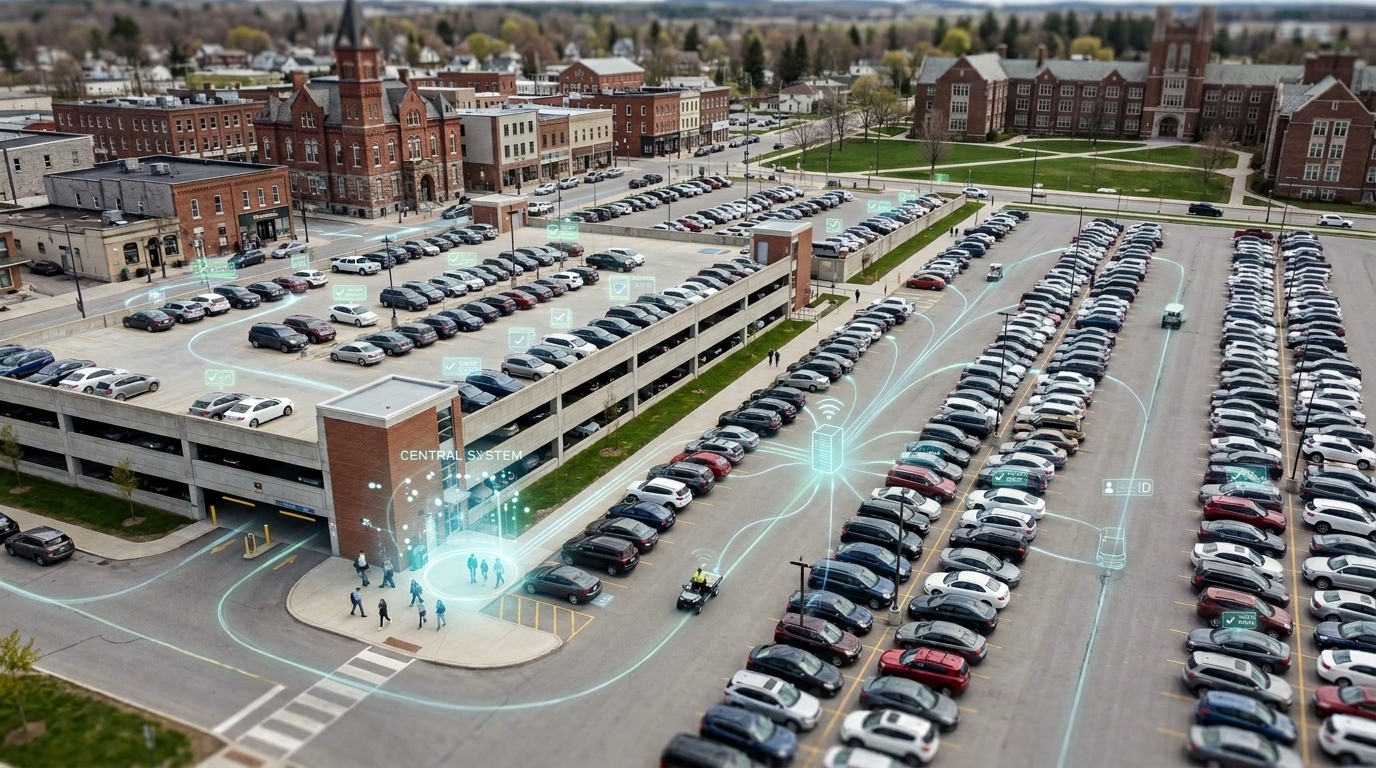
An active dispatch log is the record a dispatcher keeps of an incoming inquiry or an automated system alert until it is resolved. When alerts arrive from network and security systems, triaging them by hand means copying each one into a separate record and matching it to an incident later, which is slow and easy to get wrong.
OPSCOM’s Active Dispatch Logs page is a centralized dashboard of all open dispatch entries, and each entry can be linked to the incident report it becomes. Documented integrations let supported alerting systems create the dispatch log automatically, with the incident already attached.
This article covers what an active dispatch log is, what the alert integrations remove from a dispatcher’s day, and how incident reports are shared with local police departments.
What is an active dispatch log?
An active dispatch log is a record of an incoming inquiry or automated system alert that requires follow-up. In OPSCOM, Active Dispatch Logs is the dispatcher’s primary workspace: a single view of every open log, which can be linked to an actionable incident report for further tracking.
Active Dispatch Logs is a core component of the OPSCOM Incident module. It needs no special setup to operate, and it keeps the record of the call and the record of the incident connected rather than in two places.
Alerts arrive as dispatch logs, not notifications to retype
Supported systems can push an incident number alongside an alert, which creates the dispatch log with the incident already attached. Systems such as Cisco Prime and ITS-NetworkingAlerts can be configured to push alerts this way.
In practice the alert arrives as a log entry that is already tied to its incident, rather than as a notification someone has to retype and match up later. That removes the slowest and most error-prone step in the manual version of the process.
One workspace for every open call
Dispatchers work from a single page: open logs in one list, notes added as a call develops, and tasks assigned to other administrators. A log can be assigned to an incident or to the administrator who will act on it, and once an assignment is made the incident number appears in the listing, so the log and the incident report stay linked.
Nothing about a call has to be reconstructed later from a notebook or a separate ticket.
Access that stays within the roles you control
Access is permission-based. Viewing, editing and assigning incidents all depend on the permissions enabled on a user’s administrative role, which keeps dispatch logs and incident reports visible to the people who are meant to work on them.
A dashboard that stays focused on what still needs action
Closing a log once it is resolved is a documented best practice. Resolved items leave the active view, so the list stays short enough to work from and the calls that still need someone are the ones on screen.
How are incident reports shared with local police departments?
Incident reports export to PDF for sharing with local police departments, and reports are shared by email. A person exports the report and shares it as a deliberate, permission-controlled step.
Officers record incidents through the OPSCOM web portal. Managers and shift supervisors assign the follow-up tasks, and access is role-based, which limits who can view or act on a given report. When a report needs to go to a local police department, it is exported to PDF and shared by email with that department.
This is separate from the alert integration described above: the Cisco Prime and ITS-NetworkingAlerts integrations create dispatch logs from incoming alerts. They do not generate or send police reports.
Where this fits in the OPSCOM platform
Active Dispatch Logs is part of the OPSCOM Incident module, which runs on the same platform as parking management, enforcement and license plate recognition. Because the dispatch log links to the incident report it becomes, the record of the call and the record of the incident are not two disconnected files.
- Incident management in OPSCOM
- Campus parking and security operations
- Parking and Security Operations Knowledge Center
Want to see this in your own operation? Request a Demo.
