Campus Incident Management: How Safety Teams Coordinate in Real Time
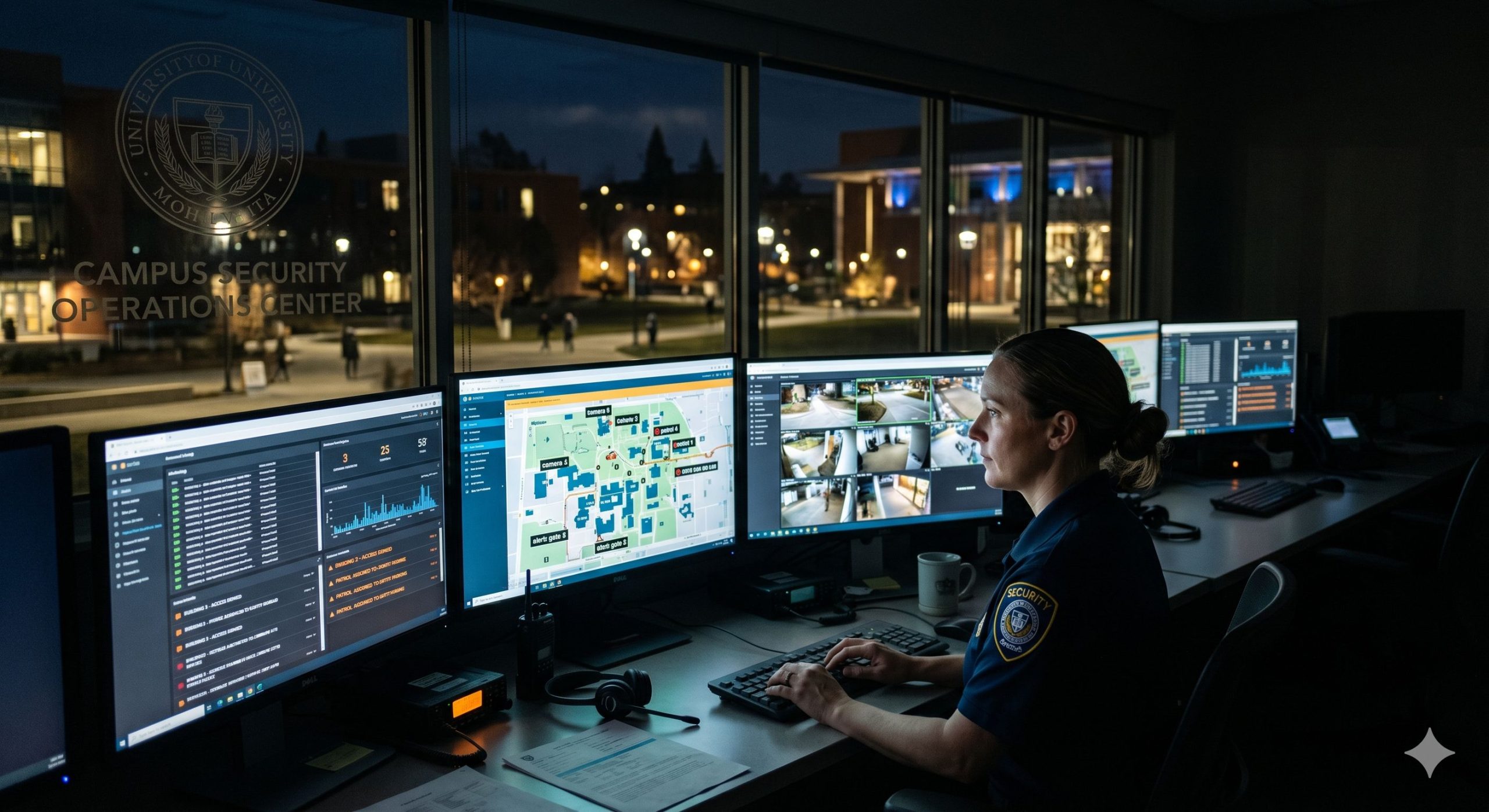
Campus safety teams deal with a wide operational surface — incidents that span buildings, parking lots, perimeter areas, and the public property immediately surrounding campus. They coordinate between officers in the field, administrators in an operations center, and external agencies when situations require escalation. They manage ongoing investigations, watchlists, trespass orders, and documentation obligations alongside the day-to-day volume of calls and reports.
The operational challenge isn’t usually a shortage of information. It’s that the information lives in too many places, in too many formats, managed by people who don’t always share a system — or sometimes a department.
What fragmented incident management actually costs
The visible cost of disconnected systems is the time spent locating, reconciling, and re-entering information that should already be accessible. A security officer investigating a vehicle incident calls the parking office to request permit history. The parking office pulls records from their system, formats them, and sends them over — hours later, in a format that doesn’t integrate with the security team’s records. The investigation moves forward on partial information until someone manually bridges the gap.
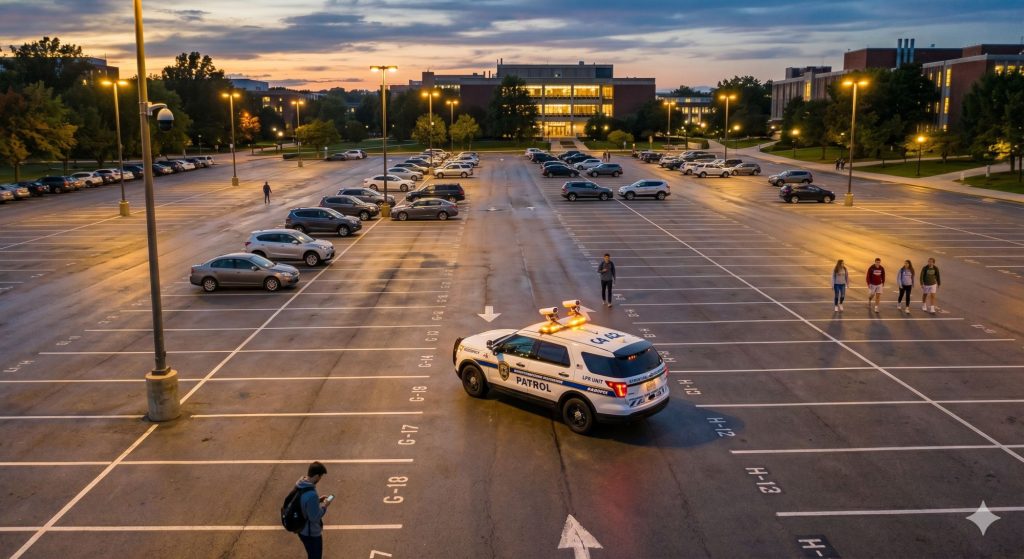
The less visible cost is what gets missed. Patterns that would be obvious in a shared system aren’t visible when data sits in separate silos. A vehicle associated with two separate incidents in different departments doesn’t register as a pattern until someone happens to compare notes. A trespass order issued by campus security doesn’t surface during a parking enforcement patrol because the parking system doesn’t know it exists.
Those gaps aren’t failures of individual staff — they’re structural failures of disconnected systems presenting themselves as operational problems.
What connected incident management looks like
IncidentAdmin is OPSCOM’s incident and security management module. It handles the full range of campus security operations — dispatch coordination, incident reporting, investigations, watchlists, evidence tracking, and documentation workflows — connected to the same database that manages parking, enforcement, and LPR.
The connection isn’t incidental. It’s the architecture that makes the operational difference.
When an incident involves a vehicle, the permit history, enforcement record, and LPR scan history for that vehicle are already attached to the incident file — not requested from another department, not manually entered, just there. When a security watchlist is updated with a new vehicle, that flag is active on the next LPR patrol scan — no separate notification, no manual data entry in the parking system. When an officer in the field logs an observation, it’s visible immediately to supervisors and administrators with appropriate access, from any device, without waiting for a shift-end report.
That’s what real-time coordination actually means in practice — not faster communication between disconnected systems, but a single operational picture that everyone with access sees at the same time.
Dispatch and daily operations
Effective dispatch on a campus safety operation requires visibility into where officers are, what they’re handling, and what’s been logged recently. When that visibility exists in a shared system, dispatch can make better decisions — routing the nearest available officer, connecting a new call to a related incident already in progress, or flagging when a situation warrants a different response level.
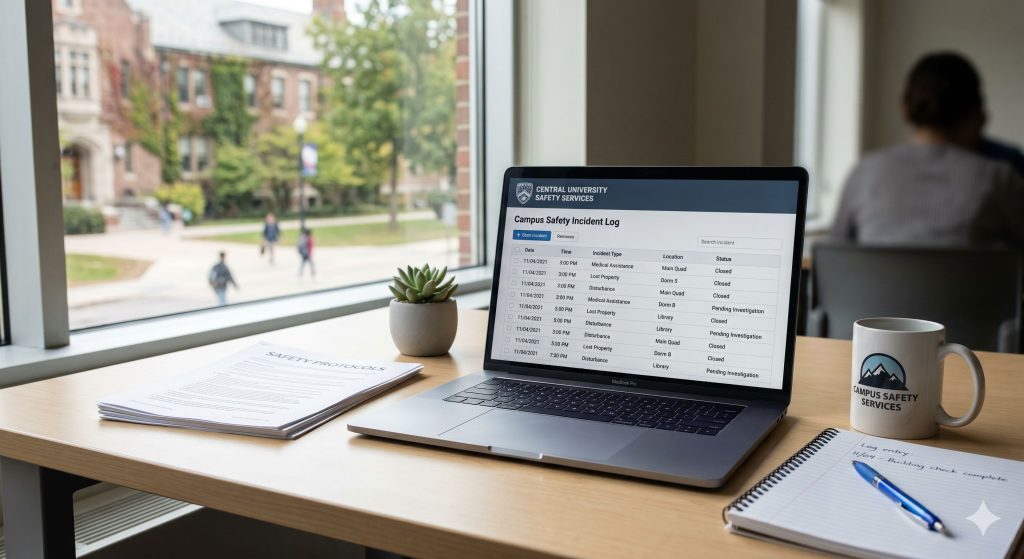
IncidentAdmin’s dispatch and daily log functionality captures the ongoing operational record of the shift — calls received, officer assignments, observations logged, follow-up actions taken. That record isn’t just useful during the shift; it’s the foundation for the documentation obligations that campus safety teams carry, including Clery Act reporting for US institutions and the institutional records that support any subsequent review or legal proceeding.
When the daily log is built through consistent use of a connected system rather than assembled from handwritten notes and separate reports, the documentation is more complete, more accurate, and available immediately to anyone authorized to access it — including administrators reviewing operations remotely.
Watchlists and real-time field alerts
Campus safety teams maintain lists of vehicles and individuals that require attention — trespass orders, persons of concern, vehicles associated with investigations, BOLO records. Managing those lists is straightforward. Getting that information into the hands of officers in the field, in real time, without requiring those officers to check a separate system, is the harder problem.
In OPSCOM, watchlist records maintained in IncidentAdmin are active across every LPR scan. A vehicle added to the watchlist after a morning incident is flagged on the first patrol pass that scans its plate — whether that’s an hour later or a week later. Officers don’t need to review a circulated memo or check a separate watchlist interface. The alert comes through on the same device and same interface they use for permit validation.
For individuals — not just vehicles — IncidentAdmin maintains person-of-interest records that officers can access from their devices in the field. When a situation involves a known subject, the officer has immediate access to the history, alert level, and any associated notes before making contact.
Investigations and case management
Security investigations on campus often involve multiple officers, span multiple days or weeks, and generate evidence across several formats — written reports, photographs, witness statements, LPR scan data, permit records. Managing that across a shared case file rather than in individual officers’ notes or a shared folder structure makes a meaningful difference in how investigations progress and how they’re documented for any external review.
IncidentAdmin’s case management structure keeps all investigation activity connected — related incidents linked, evidence attached to the record it belongs to, officer contributions logged with timestamps, follow-up actions tracked through to resolution. When an investigation connects to a vehicle, that vehicle’s complete parking and LPR history is part of the case file from the start.
Saint Mary’s University specifically valued the ability to export structured incident records compatible with local police reporting formats — a practical requirement that’s difficult to meet when incidents are documented in unstructured formats that need to be reformatted before they can be shared with external agencies. Read the Saint Mary’s University case study for more on how their security operations are structured.
Role-based access and information governance
A connected campus safety platform raises a legitimate question: who should see what? Parking enforcement officers need permit and violation data. Security investigators need incident records and watchlists. Administrators need operational reporting. External agencies may need specific incident exports. Not everyone needs access to everything.
IncidentAdmin’s role-based access controls let institutions define exactly what each user type can see and do — enforcement officers get the watchlist alerts relevant to their patrol function without access to the full investigation file, investigators get the vehicle and permit context they need without administrative access to the parking operation, administrators get the operational visibility they need without exposure to sensitive case details.
That governance layer is what makes a connected system operationally appropriate rather than just operationally powerful. The right information reaches the right people without compromising the integrity of sensitive records.
Remote access and administrative visibility
Campus safety directors and parking administrators don’t spend every hour in a fixed operations center. Emergencies happen outside business hours. Situations require review and decisions from people who aren’t on campus. Reporting needs to be accessible to institutional stakeholders who aren’t part of daily operations.
OPSCOM is a cloud-based platform accessible from any authorized device — browser, phone, or tablet. Administrators reviewing an active situation, directors approving a response protocol, or executives requesting an operational report all work from the same live system that field officers are using in real time.
Brian Billings, Director of Campus Safety Services at Carleton University, made this a priority requirement: “As the Director of University Safety, I needed a solution I could access from anywhere — in the office, at home, or out of town. OperationsCommander delivered.” Read the Carleton University case study.
The coordination layer that connects parking and security
The operational case for connected campus incident management isn’t about replacing what campus safety teams already do well. It’s about removing the structural gaps that force good people to work around disconnected systems — chasing records from other departments, manually bridging information between platforms, discovering patterns after the fact that a shared system would have surfaced in real time.
When IncidentAdmin and the parking operation share a platform, the coordination that used to require manual effort becomes automatic. The watchlist that needs to reach enforcement officers is already in the system they use. The vehicle history that investigators need is already attached to the incident record. The documentation that compliance obligations require is built through daily operational use rather than assembled under deadline pressure.
That’s what real-time campus safety coordination looks like — not faster handoffs between silos, but a single operational picture that everyone sees together.
Explore the full campus security picture in the Campus Security Operations Knowledge Center, or learn more about how IncidentAdmin supports campus safety operations.
Related reading
- Campus Parking as a Security Layer: It Starts in the Lot
- LPR on Campus: Beyond Permit Enforcement
- Clery Act Compliance: Why Incident Documentation Is the Real Work
- Campus Security Operations — Knowledge Center
- OPSCOM for Higher Education
- Saint Mary’s University Case Study
- Carleton University Case Study