Digital Tire Chalking Workflow: How Enforcement Teams Track Time Accurately
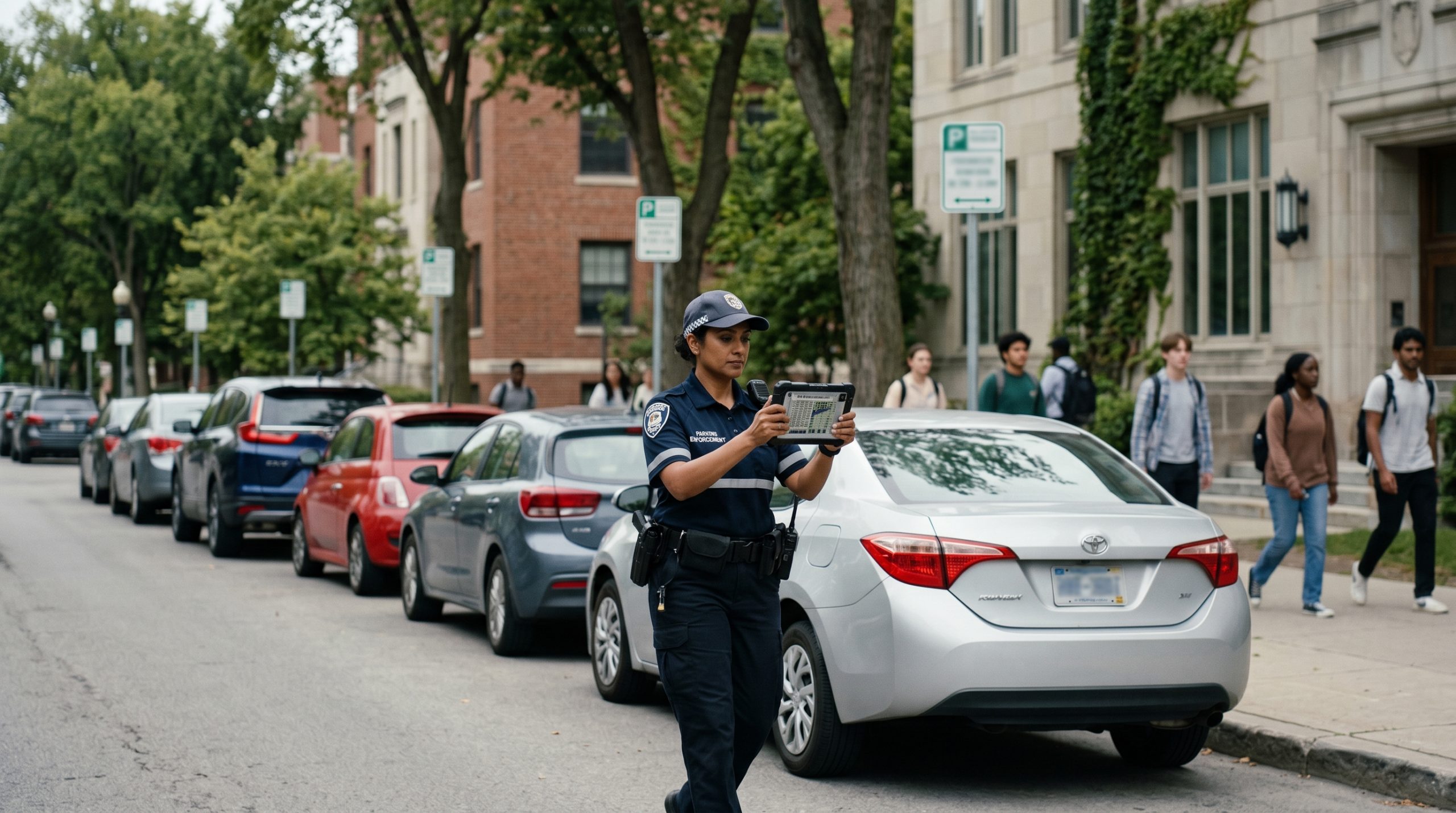
The concept behind digital tire chalking is straightforward: record when a vehicle arrived, check back later, cite if it’s overstayed. The operational details of how that actually works across a patrol shift — across multiple officers, across shift changes, across different zone types and time limits — are where the workflow either performs cleanly or creates friction.
This post walks through the digital chalking workflow in detail: what happens at each step, what the officer does and sees, how the system handles continuity across patrols and shifts, and what the evidence record looks like when a violation is challenged.
The workflow in sequence
Step 1: First observation
An officer enters a time-limited zone and begins scanning vehicles using the OPSCOM mobile enforcement app on their iOS or Android device, or via vehicle-mounted LPR camera if the patrol vehicle is equipped.
For each vehicle scanned, the system checks the chalking database for an existing record of that plate in that zone. For vehicles with no prior record — vehicles that arrived since the last patrol — the system creates a first-observation record automatically: the license plate, zone identifier, GPS coordinates of the vehicle’s location, and an exact timestamp. If the officer takes a photograph, it’s attached to the record at this point.
The officer doesn’t explicitly initiate the chalking record. It’s created as a byproduct of the plate scan. The officer’s workflow is: scan plate, review result (compliant, violation, watchlist alert), move to next vehicle. The first-observation record is created in the background without adding a step.
For vehicles with an existing first-observation record that hasn’t reached the time limit, the system shows the plate as compliant with a note of when it was first observed and how much time has elapsed. The officer can see at a glance that this vehicle has been here for ninety minutes and doesn’t need action yet.
Step 2: Dwell time calculation
On the second patrol pass through the same zone, each plate scan checks the first-observation record and calculates dwell time: current timestamp minus first-observation timestamp. The system compares this against the zone’s configured time limit.
If the dwell time is within the limit — the vehicle was first observed seventy minutes ago in a two-hour zone — the system shows the vehicle as compliant. No action required.
If the dwell time has exceeded the limit — the vehicle was first observed two hours and fifteen minutes ago — the system flags a violation and pre-populates the citation workflow with the complete evidence record: plate, first-observation timestamp and location, current timestamp and location, elapsed dwell time, and any photographs from either observation.
Step 3: Violation decision
When a dwell-time violation is flagged, the officer reviews the pre-populated citation record before confirming. This review step is important. The system calculates based on database records, but the officer’s judgment still applies — if the vehicle is clearly a different vehicle that coincidentally has a similar plate (rare but possible with damaged or dirty plates), the officer can dismiss the alert.
For clear violations — the same vehicle, the same space, timestamps that clearly exceed the limit — the officer confirms and issues the citation. The complete chalking record is attached automatically. The citation appears in the back-office system and payment portal immediately.
Step 4: Zone reset
Once a citation is issued for a dwell-time violation, the chalking record for that plate in that zone is resolved. If the vehicle is still present on a third patrol pass — which sometimes happens with chronic violators who simply pay fines as a parking cost — the system creates a new first-observation record. The cycle restarts.
Vehicles that depart between patrol passes have their chalking records cleared automatically after a configurable window. The system doesn’t keep indefinite records of every vehicle that ever parked in a zone — it maintains active observation records and resolves them when the vehicle departs or when a violation is issued.
Multi-officer continuity: how shared records work
The most operationally important feature of digital chalking — the one that most directly distinguishes it from physical chalk — is that all observation records are shared across the entire enforcement operation in real time.
When Officer A scans a vehicle at 8:45am, that first-observation record is immediately visible to every officer with access to the system. When Officer B patrols the same zone at 11:00am, they see the complete observation history for every vehicle — including those first observed by Officer A, Officer C on an earlier shift, or any other officer who patrolled the zone.
This shared record is what makes the “two-officer problem” of physical chalk disappear entirely. With physical chalk, Officer B needs to interpret marks they didn’t apply — potentially not knowing when they were applied, whether the rain affected them, or whether the vehicle had moved and returned. With digital chalking, Officer B sees exactly what Officer A recorded: the plate, the time, the GPS location, and any photographs. The record is authoritative and complete regardless of who created it.
For the Forks North Portage operation in Winnipeg — managing enforcement across 20+ lots with multiple officers across multiple shifts — this continuity is what makes consistent time-based enforcement achievable at scale. Without shared digital records, enforcing time limits across a multi-lot, multi-shift operation would require constant inter-officer communication or accept inconsistent enforcement as a fait accompli.
Multi-shift continuity: crossing the shift boundary
Shift changes are where manual chalking breaks down most visibly. Officer A finishes their shift at 2pm having marked vehicles during the morning. Officer B starts their shift at 2pm and has no reliable way to know which vehicles were marked, when, or by whom — unless Officer A left detailed notes, which is operationally unrealistic at scale.
With digital chalking, the shift boundary is irrelevant to the enforcement record. All first-observation records created during Officer A’s shift are visible to Officer B immediately. A vehicle that was first observed at 9:30am by Officer A can be cited by Officer B at 12:00pm based on a clean two-and-a-half hour dwell time calculation — no handoff required, no notes to interpret, no ambiguity about when the observation was made.
This matters particularly for operations running split shifts or rotating officer schedules. Enforcement continuity doesn’t depend on specific officers overlapping in time — it depends on the shared record system, which is always current.
Handling edge cases in the workflow
Real enforcement environments produce edge cases that the workflow needs to handle cleanly.
Vehicle moves and returns. A parker who moves their vehicle during the time limit and returns to the same space is a classic challenge for time-based enforcement. With physical chalk, this is hard to detect — the mark is gone after the vehicle moves. With digital chalking, the system tracks first observation per plate per zone. If the vehicle is scanned in the same zone after moving and returning, it gets a new first-observation timestamp — which is correct behavior; the parker did comply with the spirit of the time limit by moving. If the operation’s policy treats return visits as continuous dwell time, the system can be configured accordingly.
Permit exemptions in time-limited zones. Some vehicles with valid permits are exempt from time limits in specific zones. In OPSCOM, the chalking system checks permit status simultaneously with the dwell time calculation. A permit holder whose permit exempts them from the two-hour limit in their assigned zone won’t be flagged for a time-limit violation even if their dwell time exceeds it. The exemption is applied automatically based on the permit rule configuration.
Grace periods. Most operations apply a grace period to time-limit enforcement — not issuing violations until a vehicle is, say, fifteen minutes over the limit rather than the moment the limit technically expires. Grace periods are configured in the zone rules and applied automatically in the dwell time calculation. Officers don’t need to remember to apply them; the system handles it.
Loading zones and short windows. Thirty-minute and fifteen-minute zones require more frequent patrol passes to enforce effectively. The digital chalking workflow is the same regardless of zone duration — first observation, elapsed time calculation, violation if exceeded — but the patrol frequency needs to match the zone’s time window. For very short windows, LPR-integrated chalking, which records first observations automatically as the patrol vehicle passes, is particularly valuable. See Digital Tire Chalking and LPR: How They Work Together.
What the evidence record contains
When a digital chalking citation is challenged, the evidence record attached to it contains:
- License plate (from first and second observations)
- Zone identifier and configured time limit
- First observation: exact timestamp, GPS coordinates, officer identity, photograph (if captured)
- Second observation: exact timestamp, GPS coordinates, officer identity, photograph (if captured)
- Calculated dwell time
- Citation timestamp and issuing officer
Every element is system-generated with a tamper-evident audit trail. The evidence doesn’t depend on the officer’s memory of events. It doesn’t degrade with time. It can be reviewed by an administrator immediately, with full context, without any reconstruction effort.
For municipal operations where citations may ultimately be contested in court, this evidence standard matters. The Town of Perth‘s POA court workflows depend on enforcement records that meet this documentation standard. See how municipal enforcement is managed on OPSCOM.
Explore digital tire chalking in depth
- Digital Tire Chalking: How Time-Based Parking Enforcement Works Today
- Is Tire Chalking Legal? Understanding the Shift to Digital Enforcement
- Digital Tire Chalking and LPR: How They Work Together in Modern Enforcement
- Digital Tire Chalking Software: Why System Design Matters
- ViolationAdmin: OPSCOM’s parking enforcement platform
- Digital Tire Chalking Knowledge Center